🎁 New accounts get 20 free AI credits — any credit pack adds lifetime membership →
✦ AI-powered wrap design tool

Tesla Wrap Designer

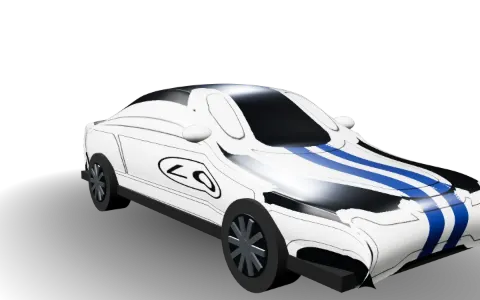
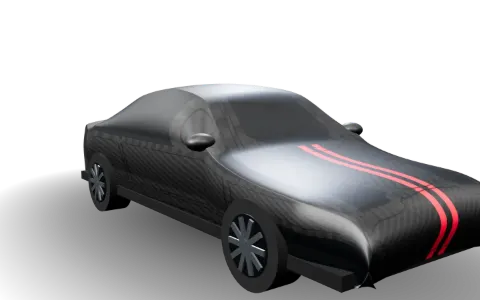
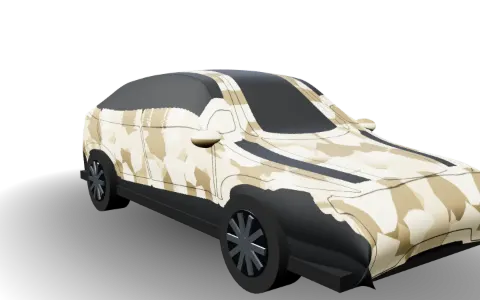
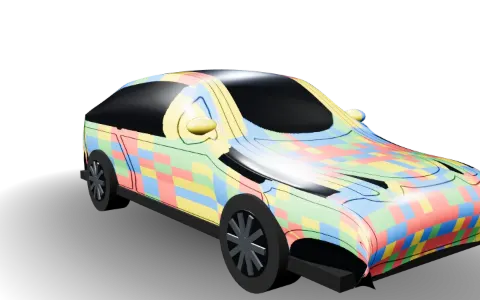
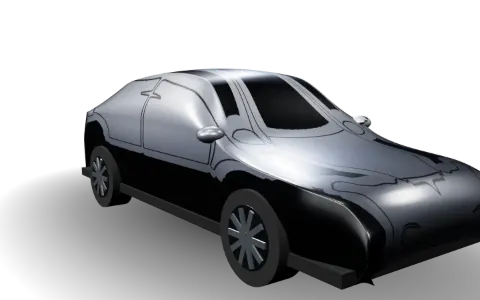
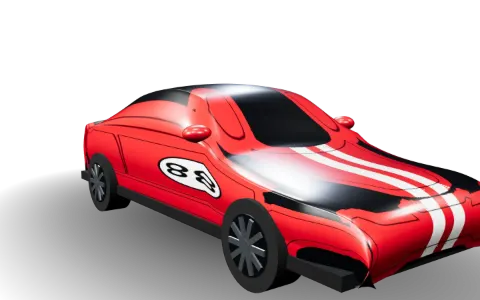
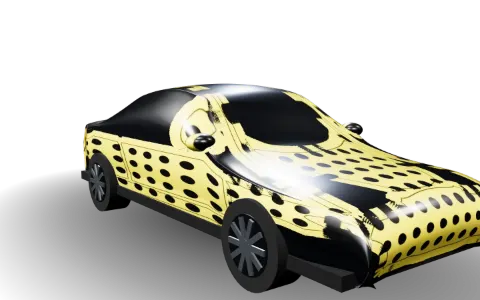
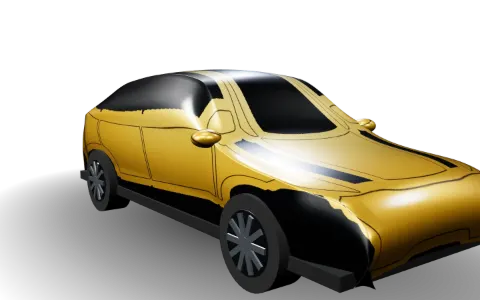
Browse and download 238+ free wraps for every supported model, or create your own with AI and preview it in 3D.

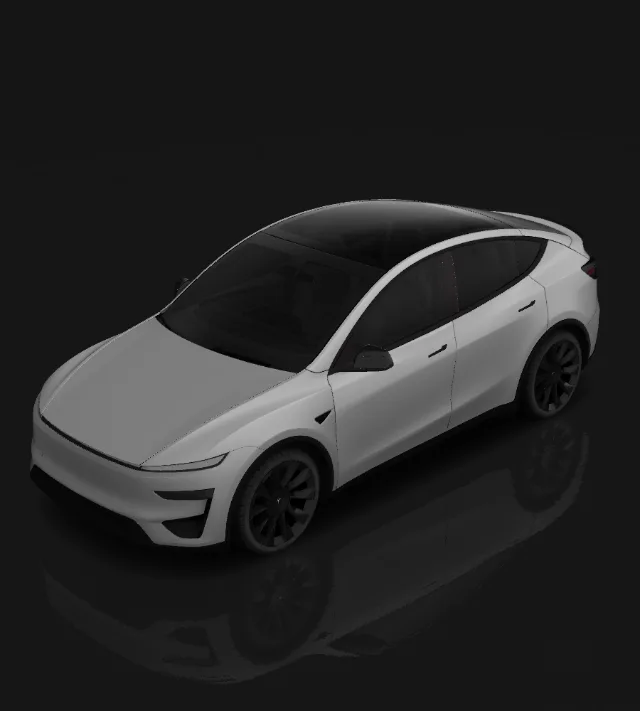
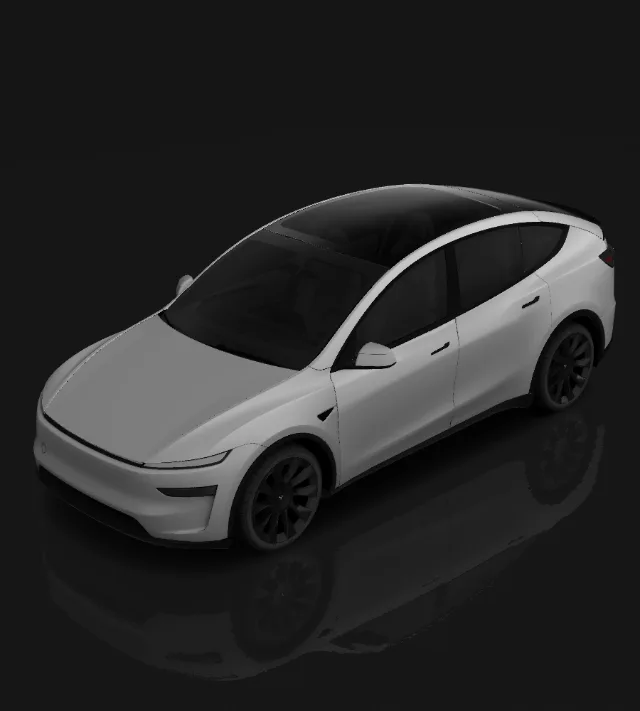
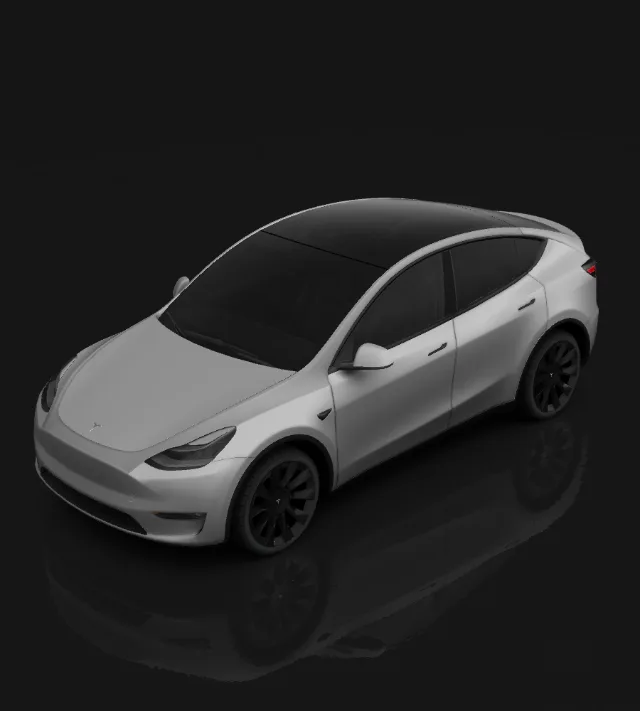
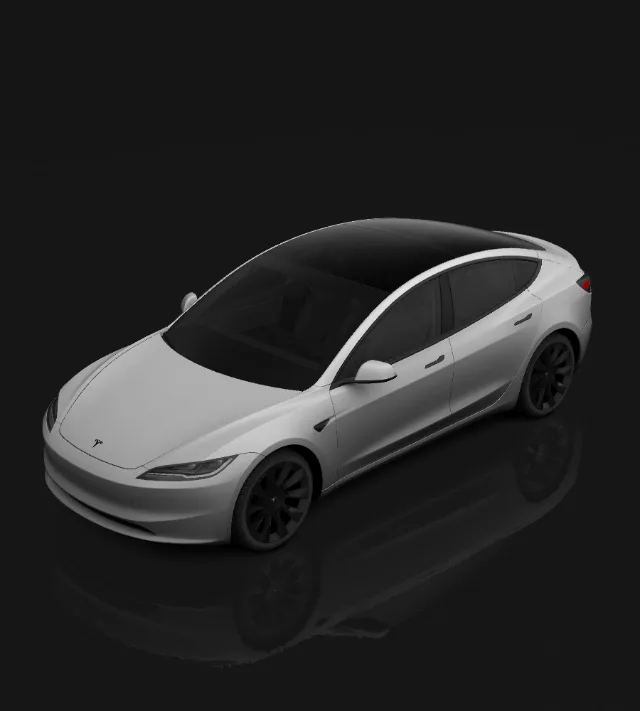
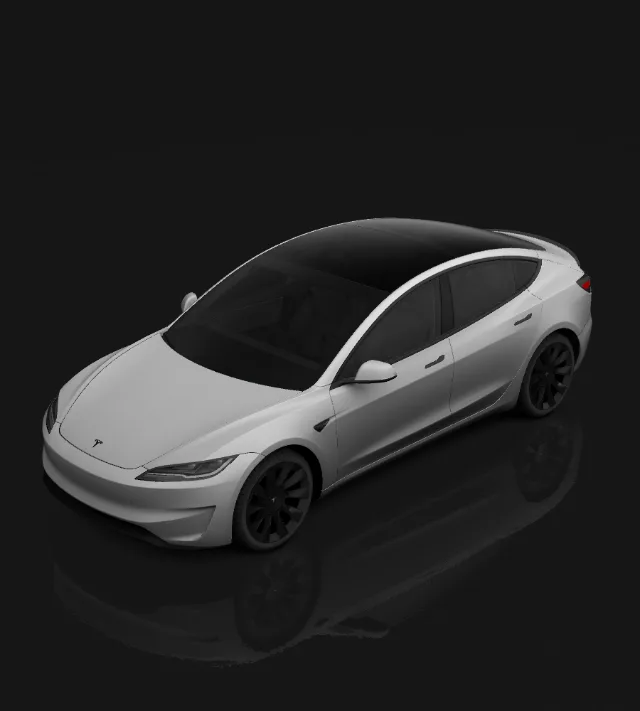
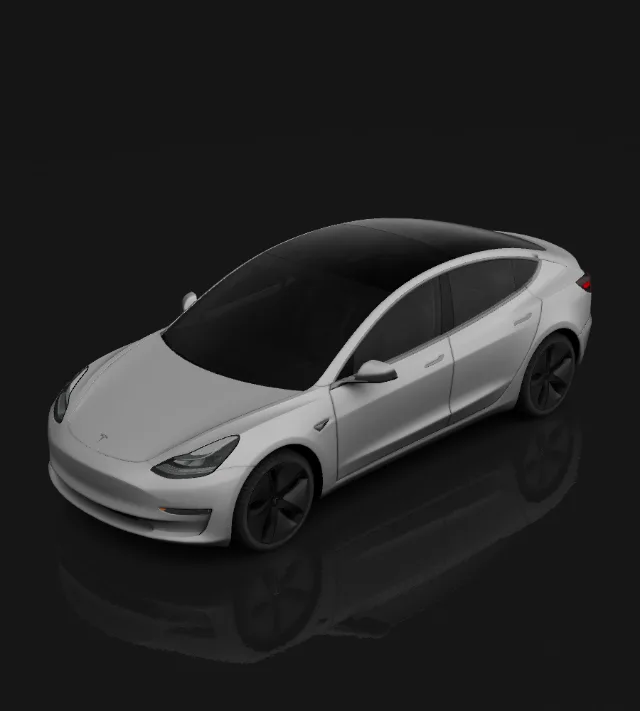
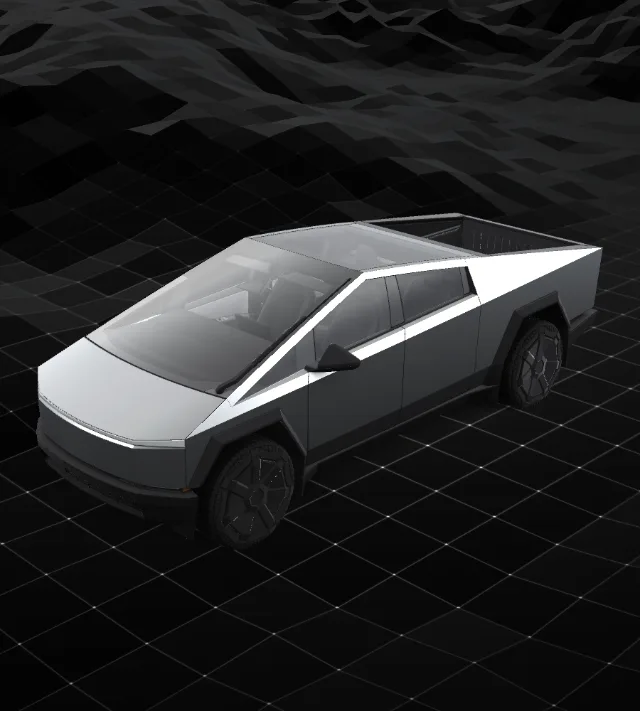
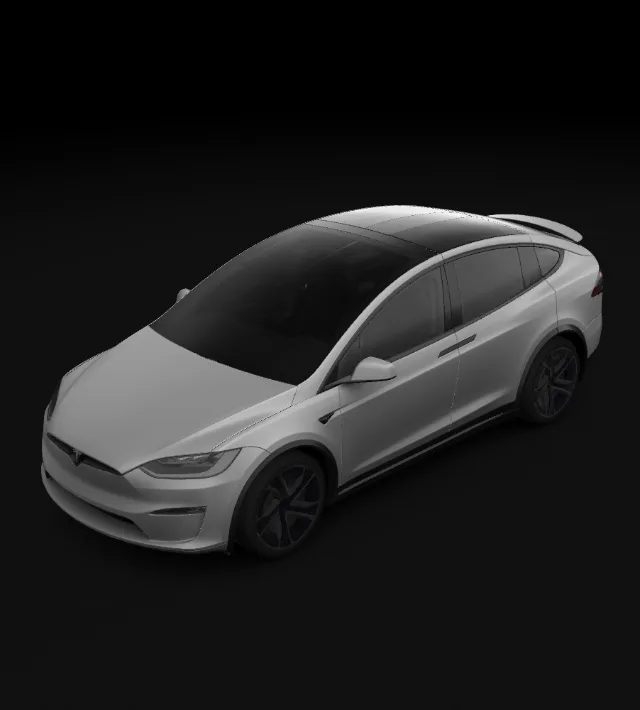
Choose Your Tesla

Free Tesla wraps · AI designer · 3D preview

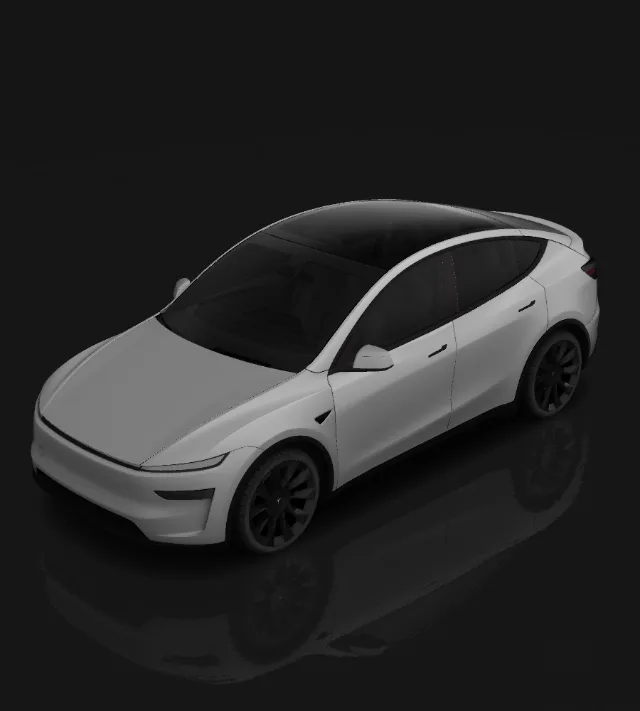
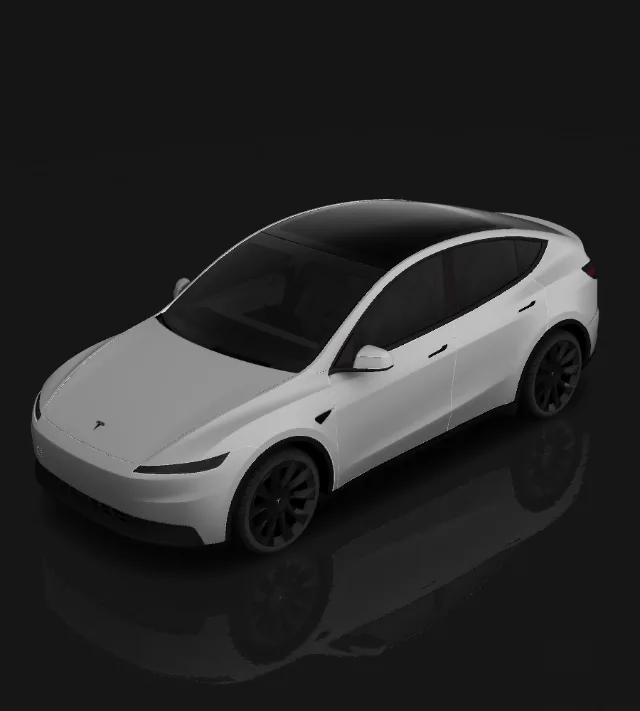
Tesla Model Y

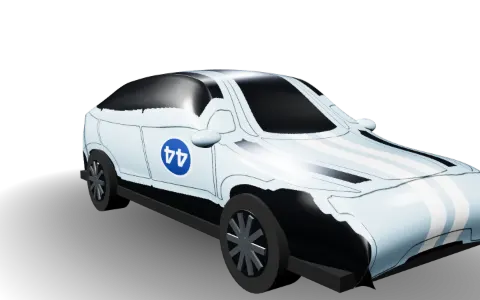
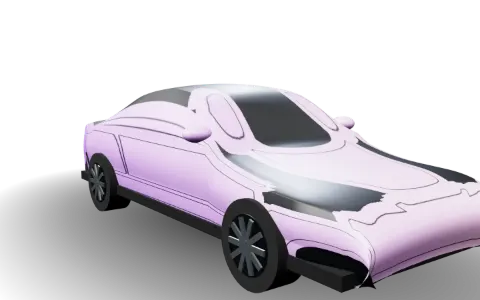
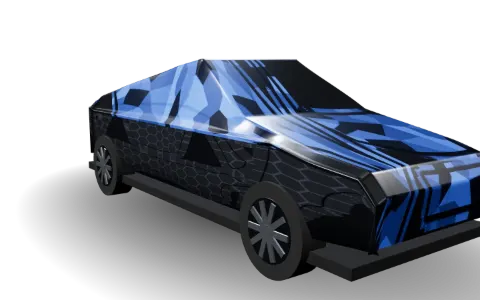
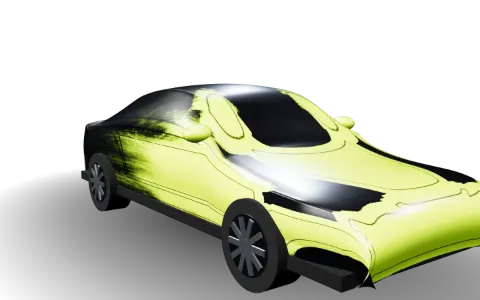
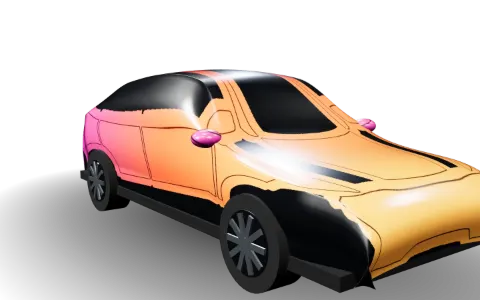
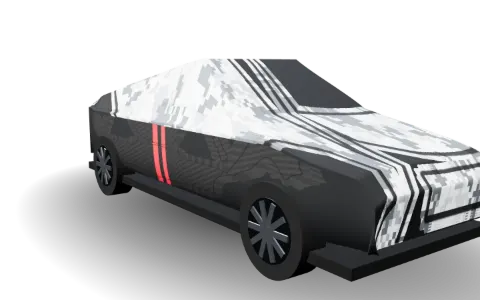
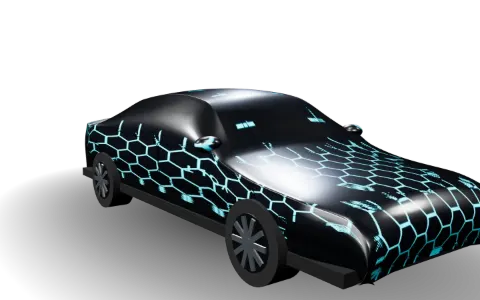
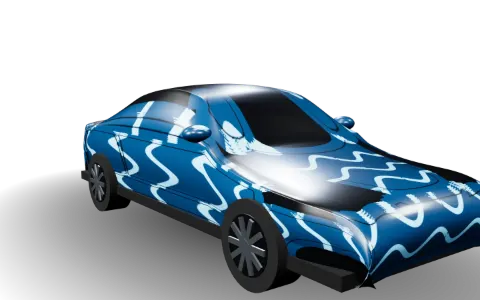
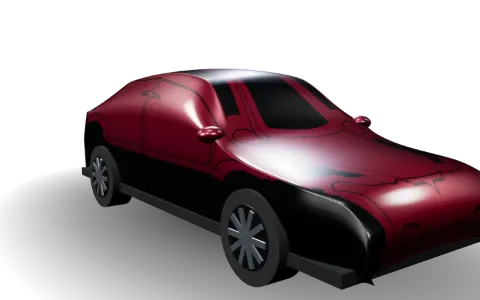
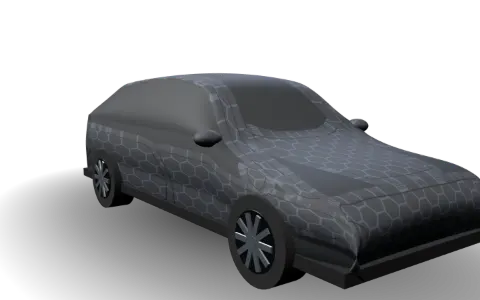
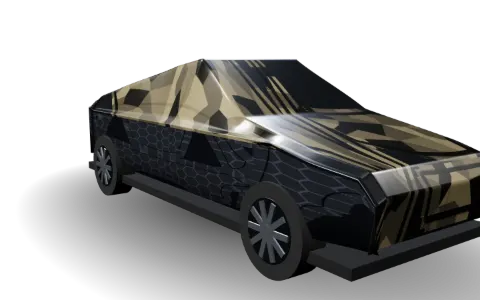
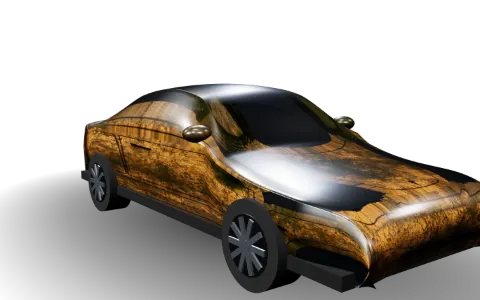
Community picks 238+ designs

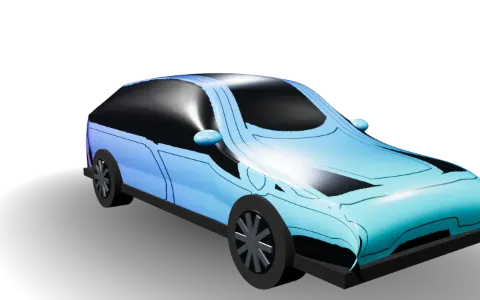
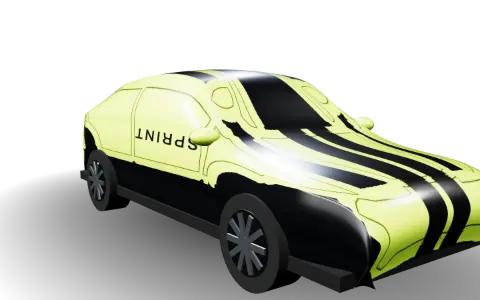
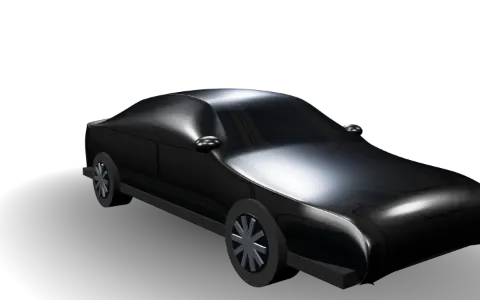
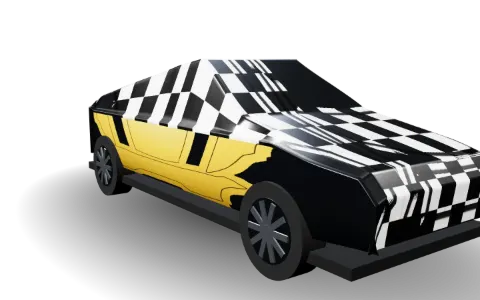
Wraps created by Tesla owners and our studio

View all ›

Tesla wrap designs & inspiration

Find ideas in the gallery or create your own wrap with AI, preview it on a 3D Tesla, then download the PNG.

Tesla Wrap StudioModel 3 2024+ · Performance ▾ Share⇩ Export
✦ AI Generate
+ Add to canvas
Generate new
AI Generate
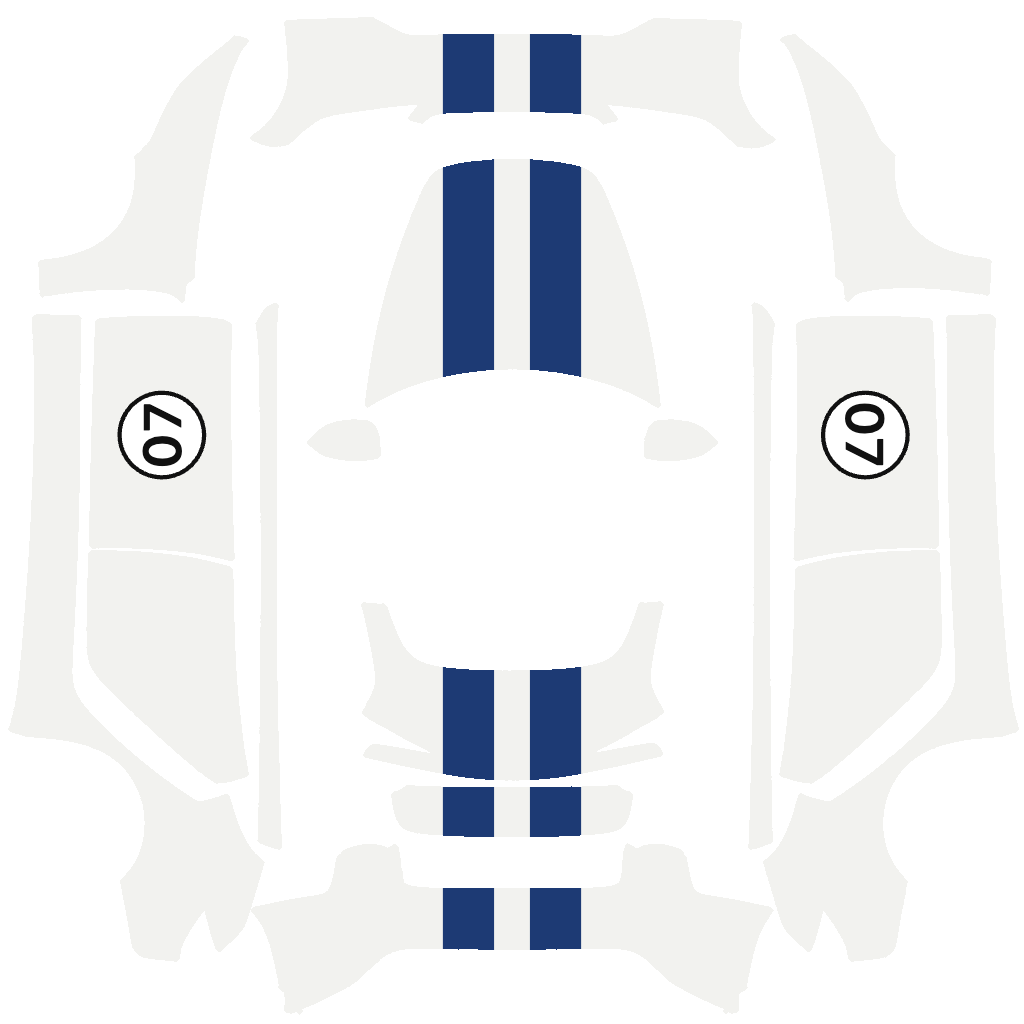
Endurance 07 layout 2D Editor
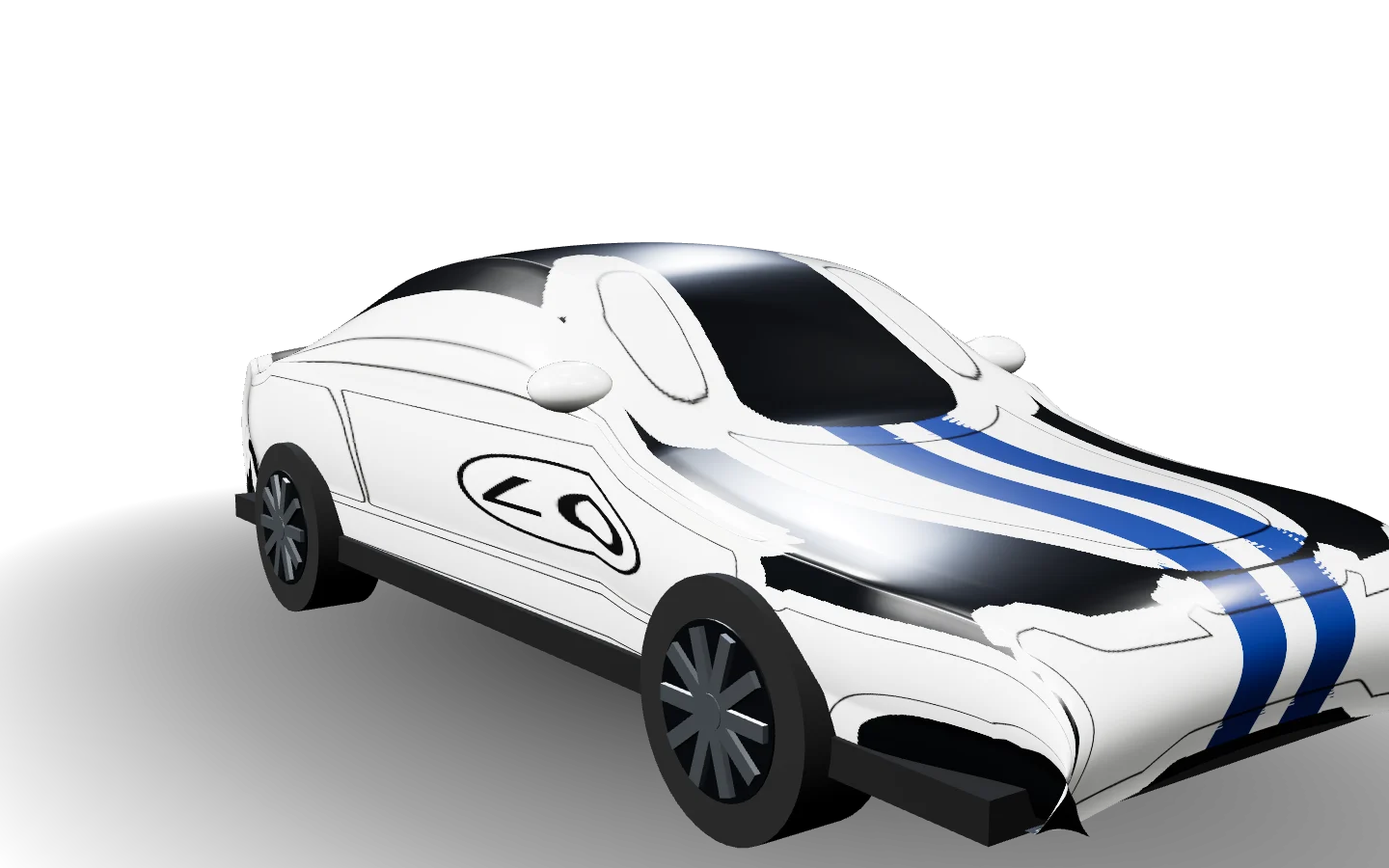
Endurance 07 3D 3D Preview

How to design Tesla wraps

4 simple steps to your own Tesla wrap

1

Pick a template

Choose the Tesla wrap template that matches your car.

2

Design or generate with AI

Upload your own images or let AI create a design.

3

Export the PNG

Download an optimised PNG wrap file.

4

Load it in your Tesla

Tesla App: Creations → Wrap → Upload; or USB: Toybox → Paint Shop → Wraps

Buy credits

Choose a credit pack to create wraps with AI. The editor, 3D preview and exports are always free.

Starter

Try AI design

$4.99one-time purchase

50 credits

  • Up to 5 text-to-wrap generations
  • Photo to Wrap · 2 times
  • Extend & harmonize your design with AI
  • Credits never expire

🎁 Includes lifetime membership

  • Unlimited cloud projects
  • 100 MB cloud storage
  • VIP badge on your gallery wraps
Recommended

Plus

Most popular for owners

$9.99one-time purchase

150 credits

  • Up to 15 text-to-wrap generations
  • Photo to Wrap · 7 times
  • Extend & harmonize your design with AI
  • Credits never expire

🎁 Includes lifetime membership

  • Unlimited cloud projects
  • 100 MB cloud storage
  • VIP badge on your gallery wraps
Best value

Pro

Best value for regular creators

$19.99one-time purchase

500 credits +50 bonus

  • Up to 55 text-to-wrap generations
  • Photo to Wrap · 27 times
  • Extend & harmonize your design with AI
  • Credits never expire

🎁 Includes lifetime membership

  • Unlimited cloud projects
  • 100 MB cloud storage
  • VIP badge on your gallery wraps

Custom service

Business & bulk purchase

CustomContact us for details


  • Bulk credit packages
  • Custom wrap design service
  • Business partnerships
  • Fleet solutions
Contact us

Tesla Wrap PNG Requirements

Our tools handle all of these automatically:

OKResolution: 512×512 – 1024×1024 px
OKFormat: PNG
OKFile size: ≤ 1 MB (compressed automatically)
OKUSB format: exFAT, FAT32, ext3, ext4

Upload with Tesla App v4.59.0+ via Creations → Wrap → Upload, or put PNGs in a “Wraps” folder on a USB drive.

Frequently Asked Questions

What can I create with Tesla Wrap Studio?

Create a custom wrap with your own colors, images, and text, and preview it live in 3D. Built on Tesla’s official templates, your design can personalize your vehicle’s appearance in the Tesla app and on your car’s touchscreen. We also plan to support files for printing and installing physical vehicle wraps.

Which Tesla models are supported?

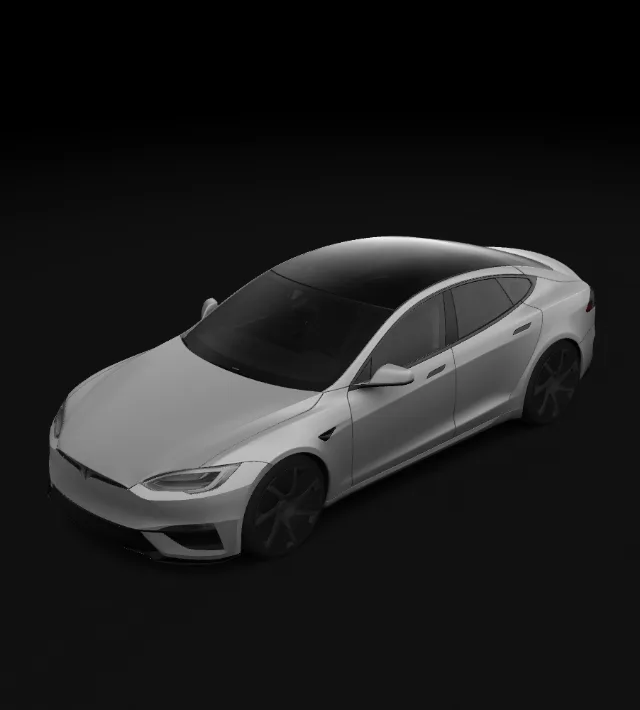
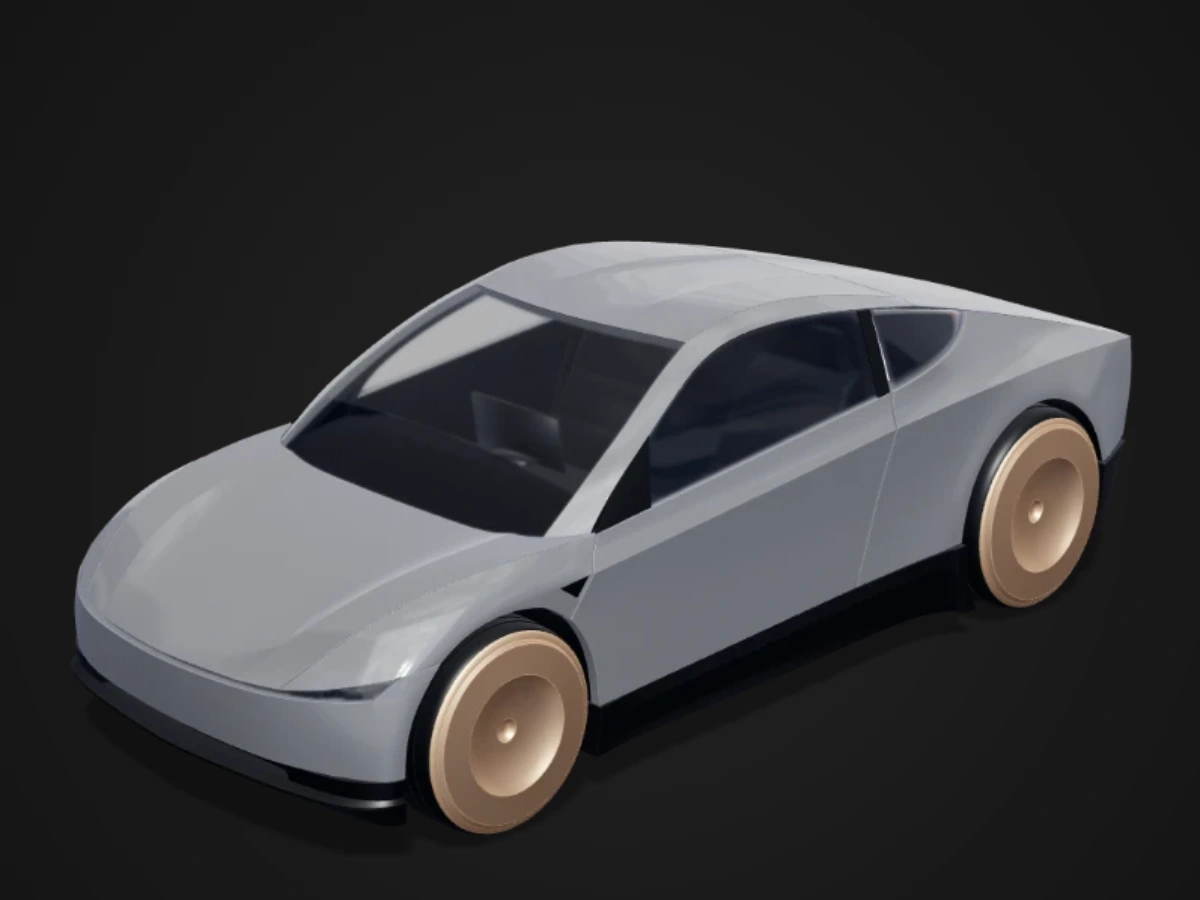
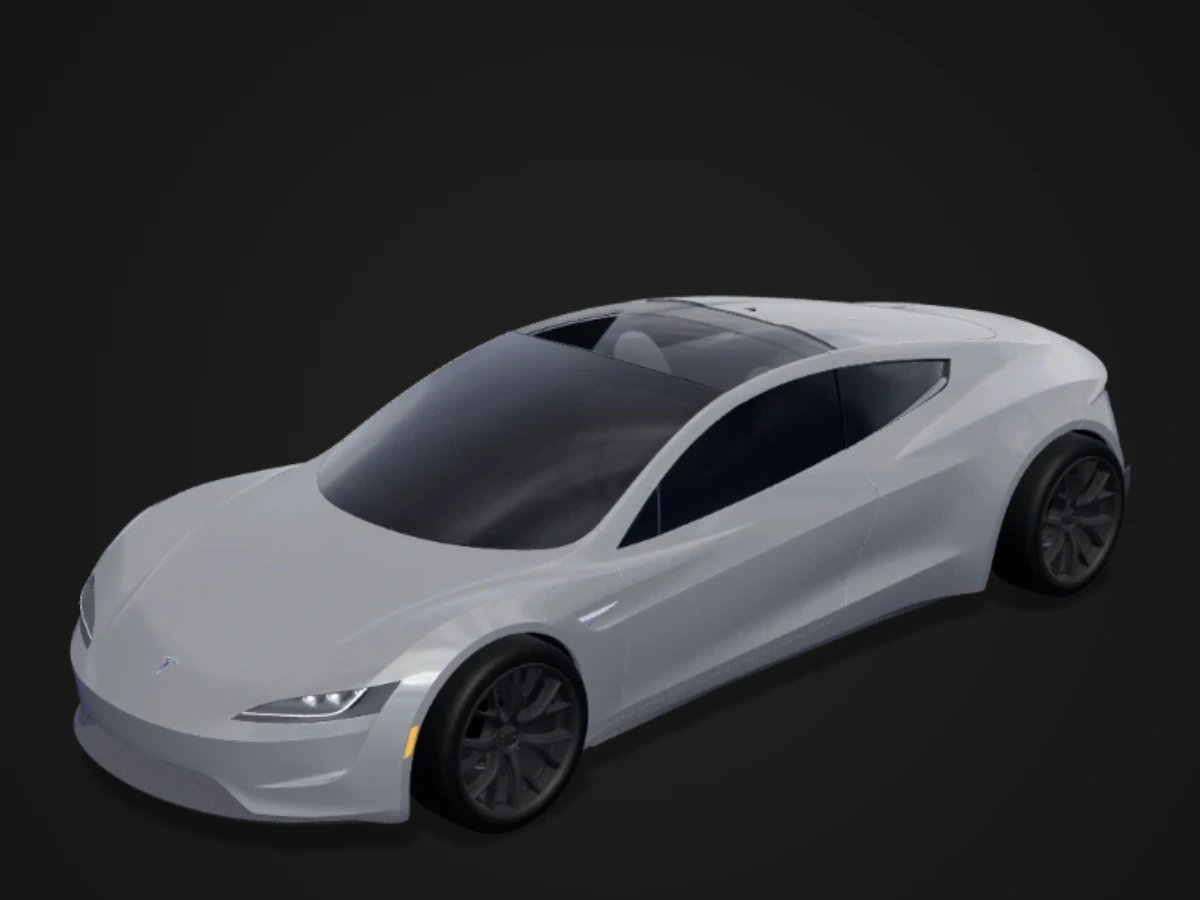
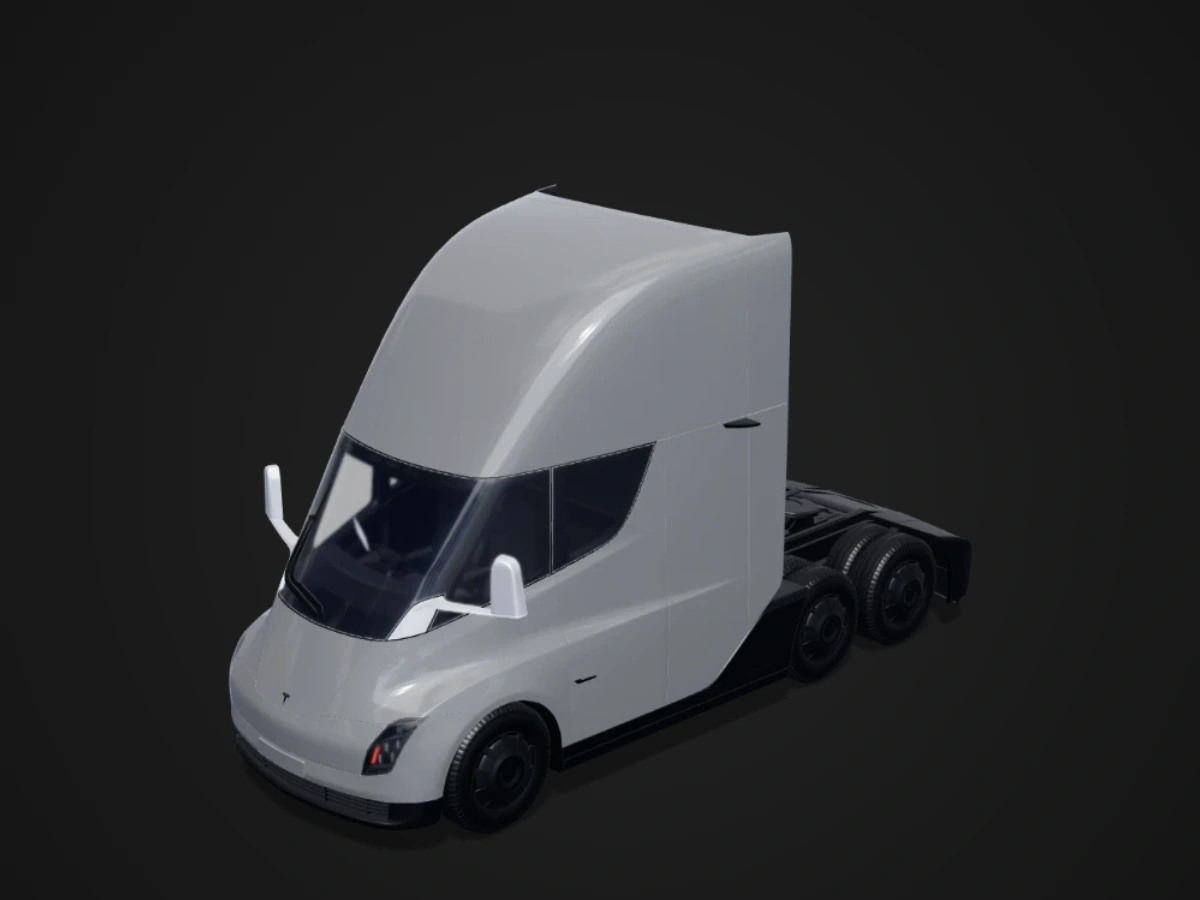
We support Model Y, Model 3, Cybertruck, Model X, and Model S, covering all Paint Shop templates currently published by Tesla. Choose the year and version that matches your car to get started. Cybercab, Roadster, and Semi are also on our roadmap.

Can I get started for free?

Yes. Use colors, text, brushes, shapes, and 3D previews without an account, and download designs and 3D preview images for free. Members can also upload images to create designs, save designs to the cloud, and use AI to generate and refine designs. AI creation uses credits per generation.

Can I use ready-made wraps from the gallery?

Yes. Choose a wrap that matches your model and version, preview it in 3D, and download the PNG for free. Then import it into your Tesla to use the design.

How do I apply my design to my Tesla?

Download the Paint Shop PNG, upload it through the Tesla app or transfer it using a USB drive, then select your design in Paint Shop on your car’s touchscreen. You can also download a 3D preview image to showcase and share your design.

View the wrap upload guide →

Can I save my design and edit it later?

Yes. Members can save designs to the cloud and reopen them later to pick up where they left off. Click Save after editing to keep your latest changes.

What is a UV template?

Tesla’s 3D car model is “unwrapped” into a flat image where every body panel has its own area. Whatever you paint in an area appears on that panel in the car’s visualization. The editor shows these areas and clips your design to them.

Can I make chrome, matte or metallic effects?

Paint Shop renders the wrap as colour only, so real chrome or texture cannot be exported. The finish selector in our 3D preview shows how a look might feel, and you can paint highlights and gradients to suggest metal or satin.

Are my photos uploaded anywhere?

Editing happens in your browser. Images are only sent to our server when you save to the cloud or publish, and to the AI provider when you use an AI feature.

Is Tesla Wrap Studio affiliated with Tesla?

Tesla Wrap Studio uses Tesla’s publicly available official templates to help owners design, preview, and export custom wraps. We operate independently and are not affiliated with Tesla, Inc.

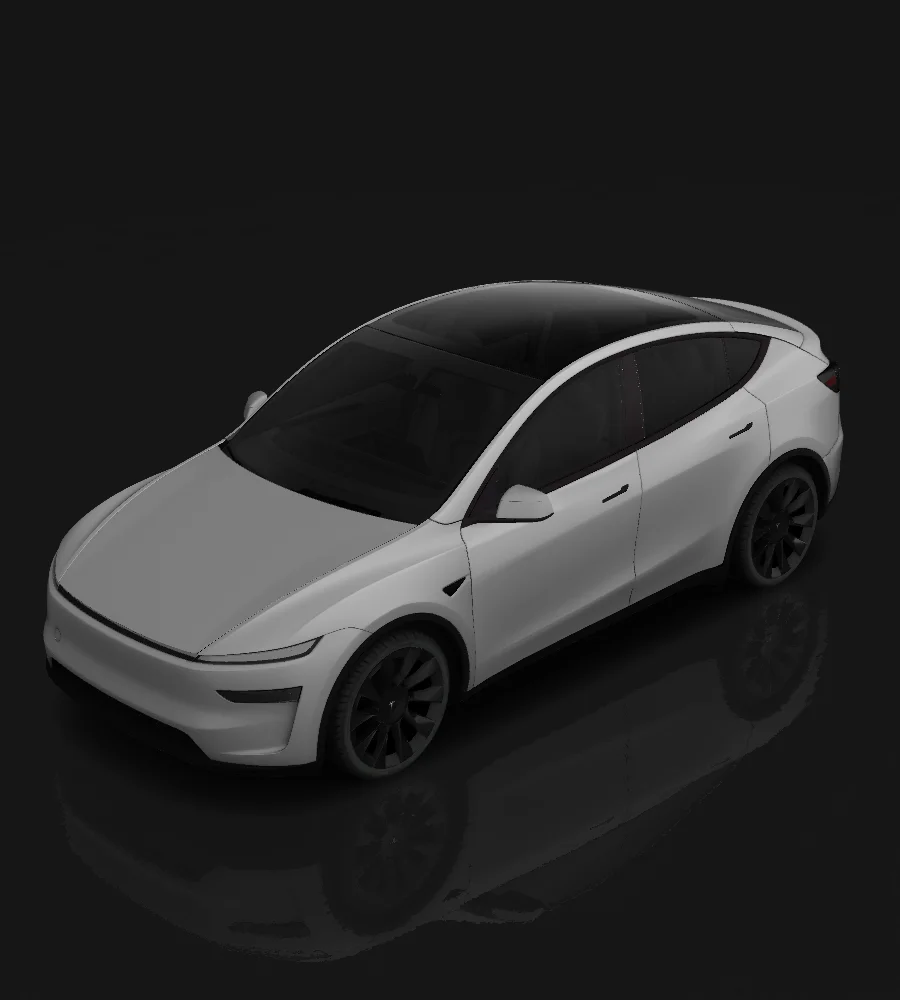
Create your Tesla wrap for free

Pick your model, design in the browser, preview in 3D and export a Paint Shop PNG — no install, no account needed.
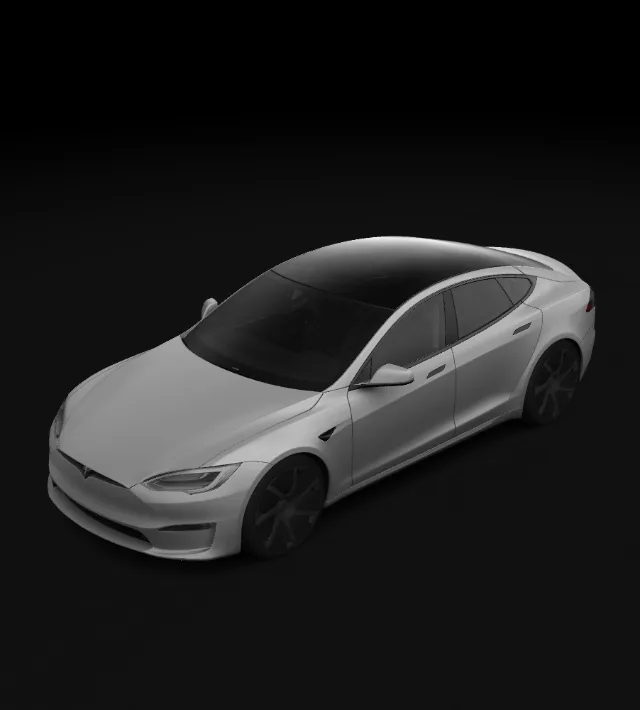
VSelectTTextBBrush FFill panelMMirror⌘ZUndo⌘SSave